Lispa for Telecommunications

Every status update.
A flow you can follow.

Service orders, subscriber portals, and provisioning adapters need clear states and repeatable tests. Put Lispa to work on the software path with simulated events.

See plans and usage charges
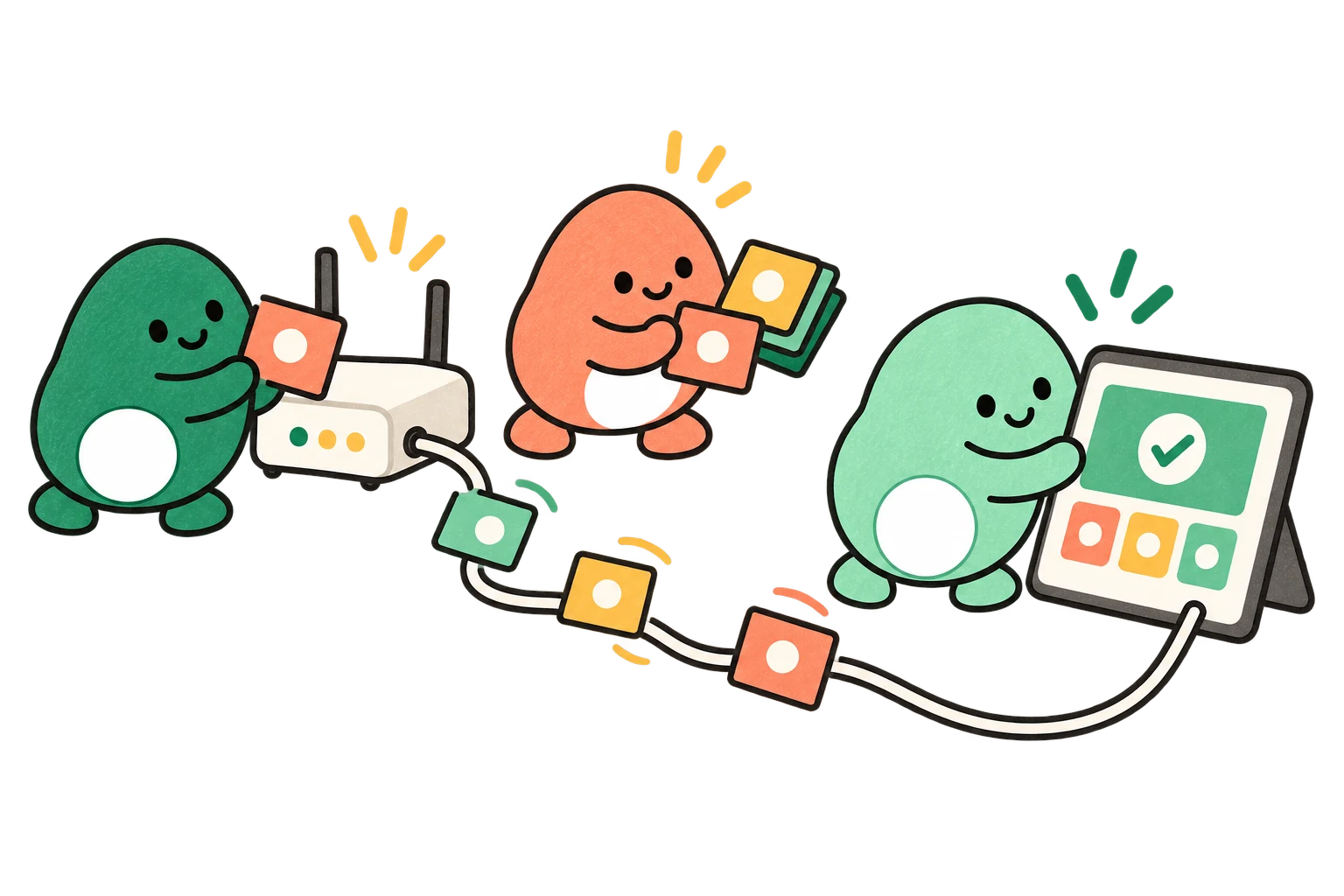
Lispa egg agents illustrate follow every service event for telecommunications.
Works with
  • Claude
  • Codex
  • Grok
  • Gemini
  • Open models
From your backlog to a clear brief

Three useful places to start.

Use simulated subscribers and mocked network APIs. Give Lispa the expected state transitions and a bounded integration task.

01 / Suggested task

Follow a service-order event.

A delayed activation event changes a cancelled order. Replay the sequence and verify which transitions are allowed.

Ask for

A transition table, event fixtures, and regression tests.

Use this starter prompt
MAKE IT YOURS

Reproduce [service-order state issue] in [repository] with simulated events. Test duplicates, delayed activation, cancellation, timeout, and unknown states against [transition rules]. Fix the cause and run regressions. Do not provision real subscribers, call live network APIs, or deploy.

See the full workflow →
02 / Suggested task

Explain a portal status.

A customer sees a spinner when a request has actually failed. Build useful pending, failed, and retry states.

Ask for

A portal improvement with browser tests and responsive screenshots.

Use this starter prompt
MAKE IT YOURS

Implement [subscriber portal status improvement] in [repository] with synthetic accounts and mocked service requests. Cover pending, failed, stale, and completed states and preserve keyboard access. Test desktop and phone layouts and attach screenshots. Do not change live subscriptions or deploy.

See the full workflow →
03 / Suggested task

Move an adapter to a new API.

A provider version changes the payload shape. Migrate one adapter with old and new fixtures side by side.

Ask for

A bounded migration, contract tests, and a rollout checklist.

Use this starter prompt
MAKE IT YOURS

Migrate [adapter] from [old API version] to [new contract] in [repository]. Compare synthetic request and response fixtures for field mappings, pagination, errors, and retries. Update focused tests, document behavior changes and rollback steps, and prepare a review branch. Do not connect to live network infrastructure.

See the full workflow →

Suggested engineering workflows, not customer case studies. Adapt the brief and review the result with your team.

Inside Lispa / Chats & agent teams

Follow the build and test sessions for an integration change.

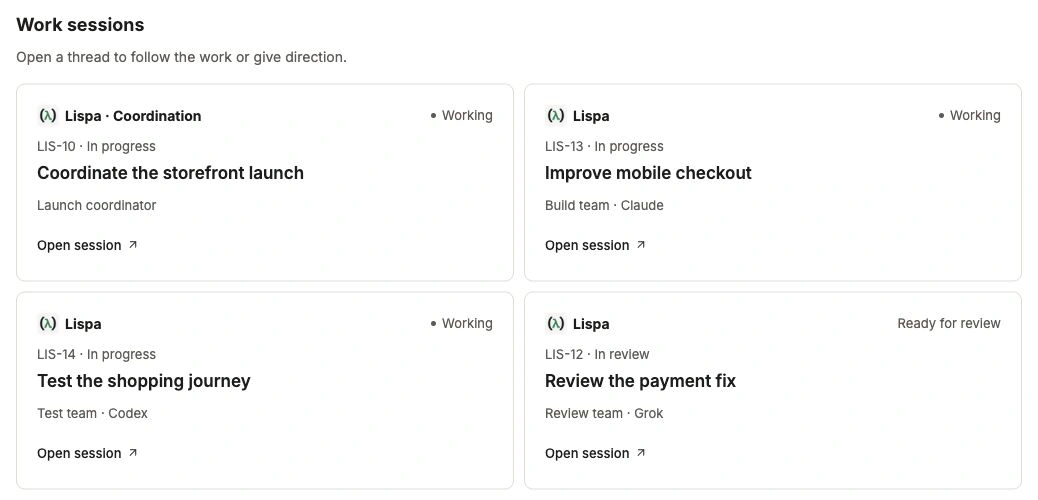
Give a focused piece of work to each agent. Follow the coordinator, the build, and the checks from the project. Open a work session when you want to give more direction.

Explore chats & agent teams →
Lispa egg agents illustrate follow every service event for telecommunications.
Works with
  • Claude
  • Codex
  • Grok
  • Gemini
  • Open models
Actual Lispa work-session list with a coordinator and fictional build, test and review teams.
Actual Lispa interface · Fictional demo data · Shared product exampleView full size ↗
Inside Lispa / Pull requests & follow-up

Keep adapter findings and regression evidence beside the review.

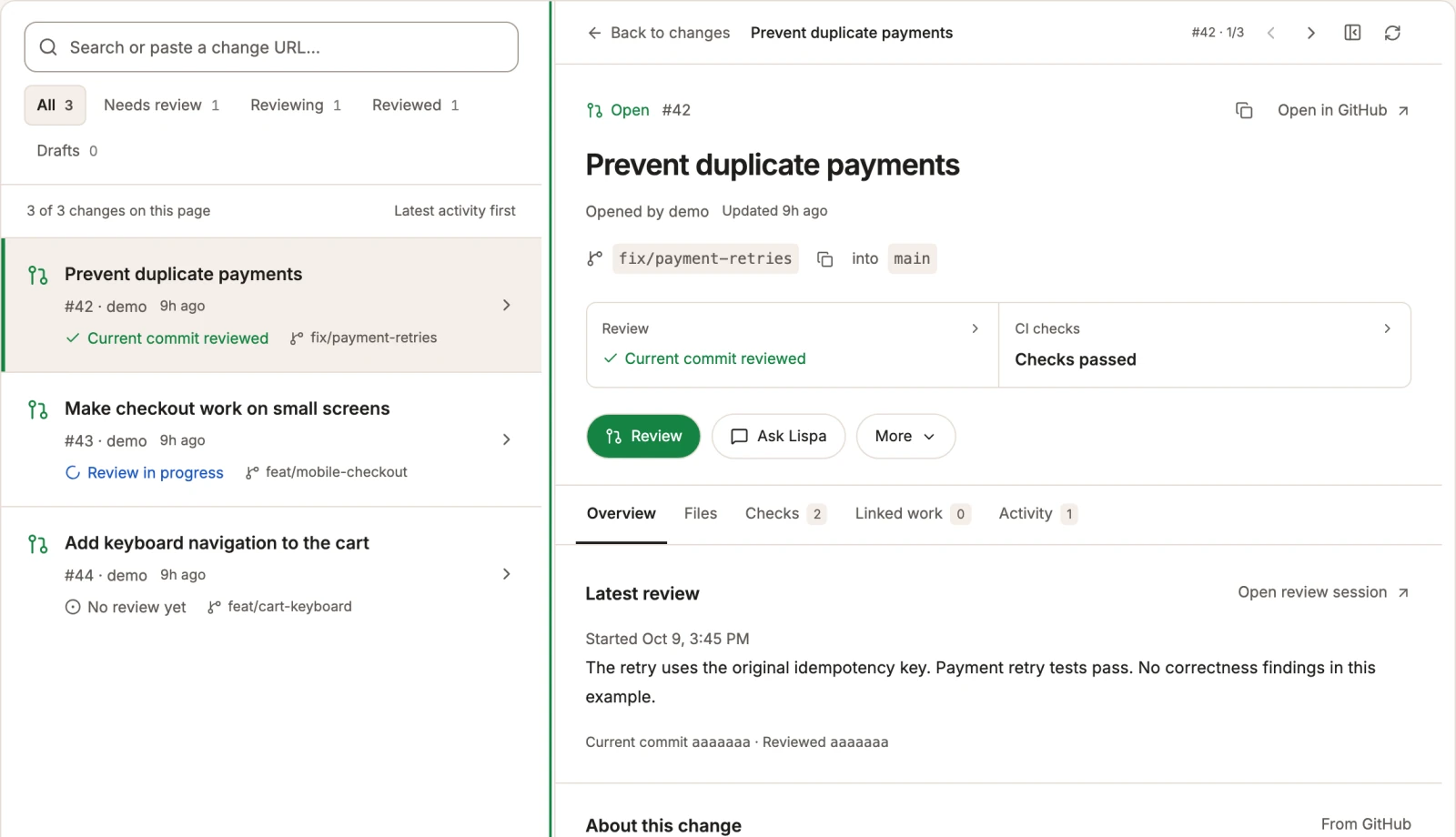
Inspect the change, the latest agent review, and the CI checks together. Ask Lispa to follow up on new commits, address feedback, and keep checking the result.

Explore pull requests & follow-up →
Lispa egg agents illustrate a portal that explains the state for telecommunications.
Works with
  • Claude
  • Codex
  • Grok
  • Gemini
  • Open models
Actual Lispa pull-request workspace with fictional changes, checks and a review result.
Actual Lispa interface · Fictional demo data · Shared product exampleView full size ↗
A place for the next task, too

Keep the useful work close.

Reuse your repository rules, inspect model usage, and leave useful knowledge for the next agent. The workspace stays connected as the work changes.

Take the full product walkthrough →
Bring one piece of real work

A clear goal.
A result you can review.

Connect a repository and start with a focused task.
Set the checks and permissions in your brief.

Start with Lispa →

Paid plan required to run tasks. View current plans and charges.

Explore all 16 industries →