From bug report to regression test
Give the bug a fix.
Get your focus back.
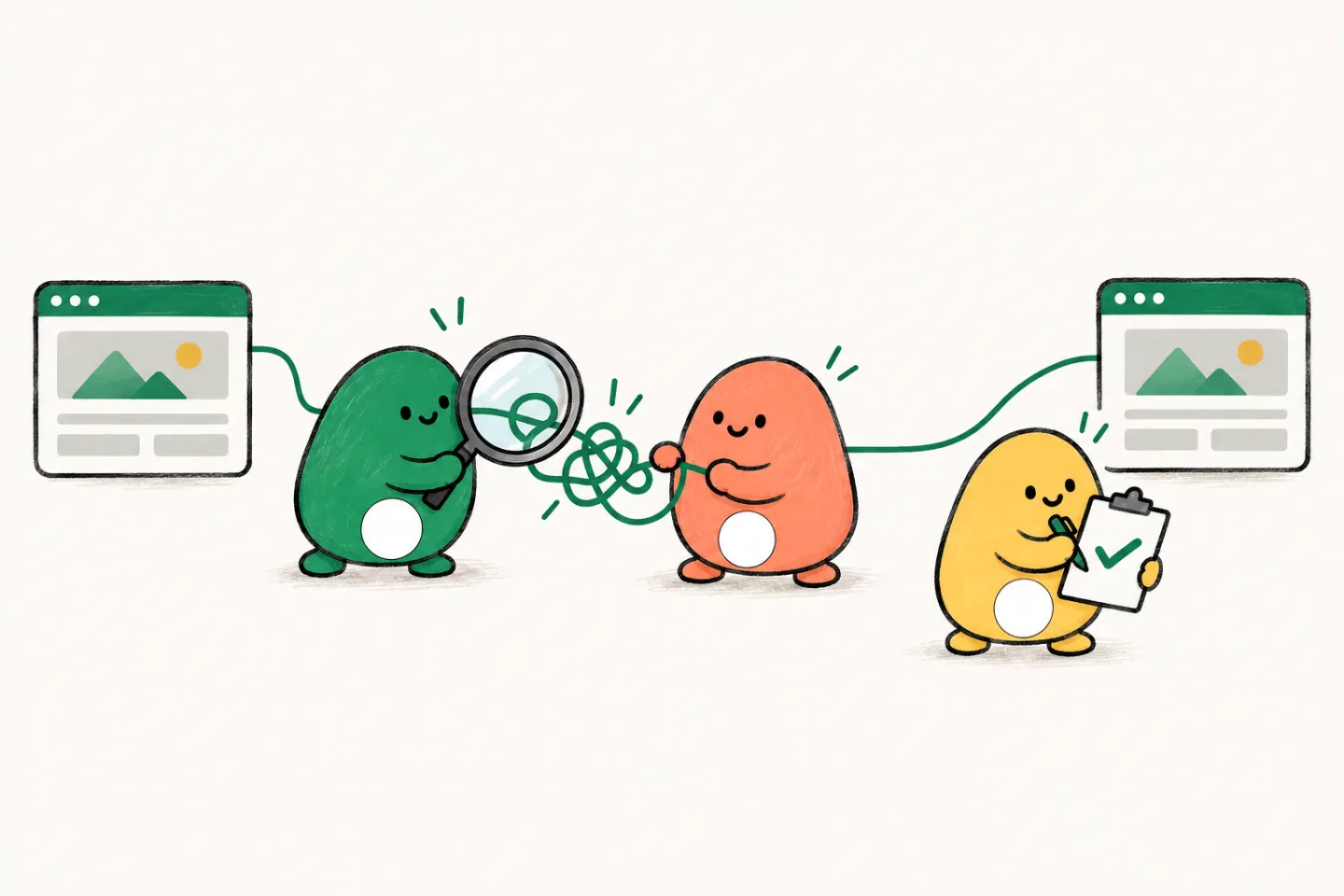
The bug queue keeps growing. Hand Lispa a reproducible problem and let an agent trace the cause, prepare a fix, and check that the same failure stays covered.
From $20/month, with $20 in usage credits. More signup options
 Claude
- Codex
- Grok
- Gemini
- Open models
“It is broken” is where the work begins.
A customer sees duplicate orders on page two. The cause could be sorting, a cursor, or a changed filter. Lispa can investigate the path from symptom to cause, with the evidence kept in the task.
“Orders repeat on page two when several orders share a timestamp. Reproduce it, fix the pagination, and add a regression test. Leave the change ready for review.”
- 01Reproduce
Two orders share the same sort timestamp.
- 02Cause
The cursor needs a stable tie-breaker.
- 03Verify
Regression covers tied timestamps across pages.
Read the result. Check the evidence.
The delivery review brings the outcome and reported checks together. Inspect the fix, accept the delivery, or send a concrete follow-up through Request changes.
Try it with your own task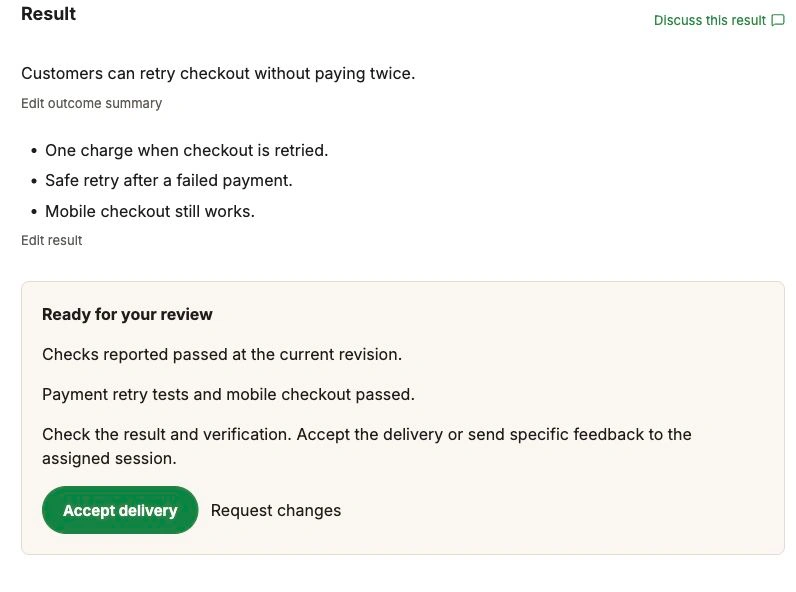
A clear brief.
A result you can check.
- 01
Bring the symptoms.
Share the report, expected behavior, relevant logs, and the branch to investigate. A minimal failing example helps.
- 02
Trace the actual cause.
Ask the agent to read the relevant code and reproduce the failure before changing it. Follow the investigation in the workspace.
- 03
Keep the proof with the fix.
Review the patch, the regression test, and the checks that ran. See what could not be reproduced or verified.
The work has a home.
From the first brief to the next useful lesson. Take a look around the workspace.
Explore the full illustrated walkthroughKnow what needs your attention.
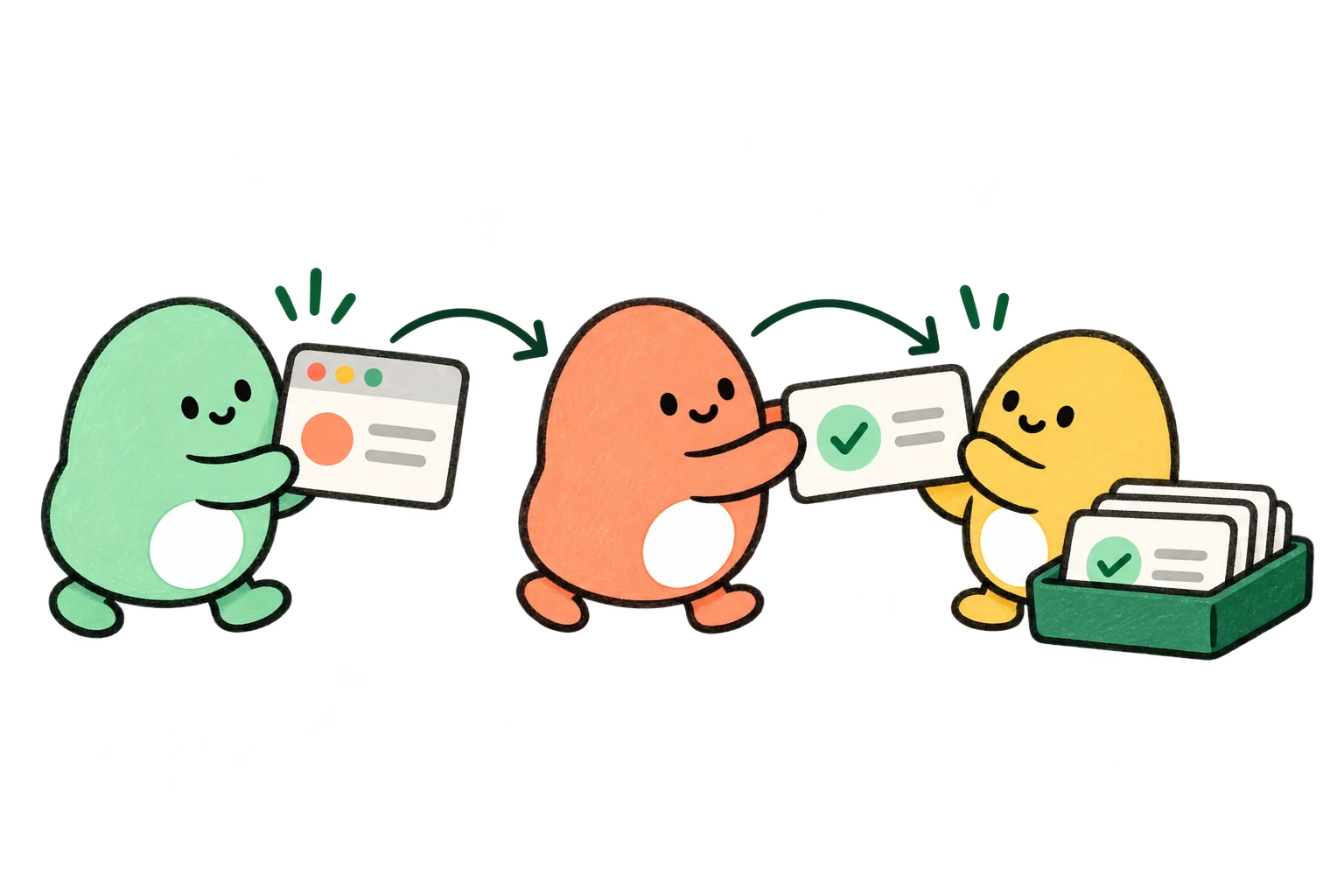
See who is working on each task, which work depends on it, and what is ready for your review. The small pieces stay connected to the goal.
- Claude
- Codex
- Grok
- Gemini
- Open models
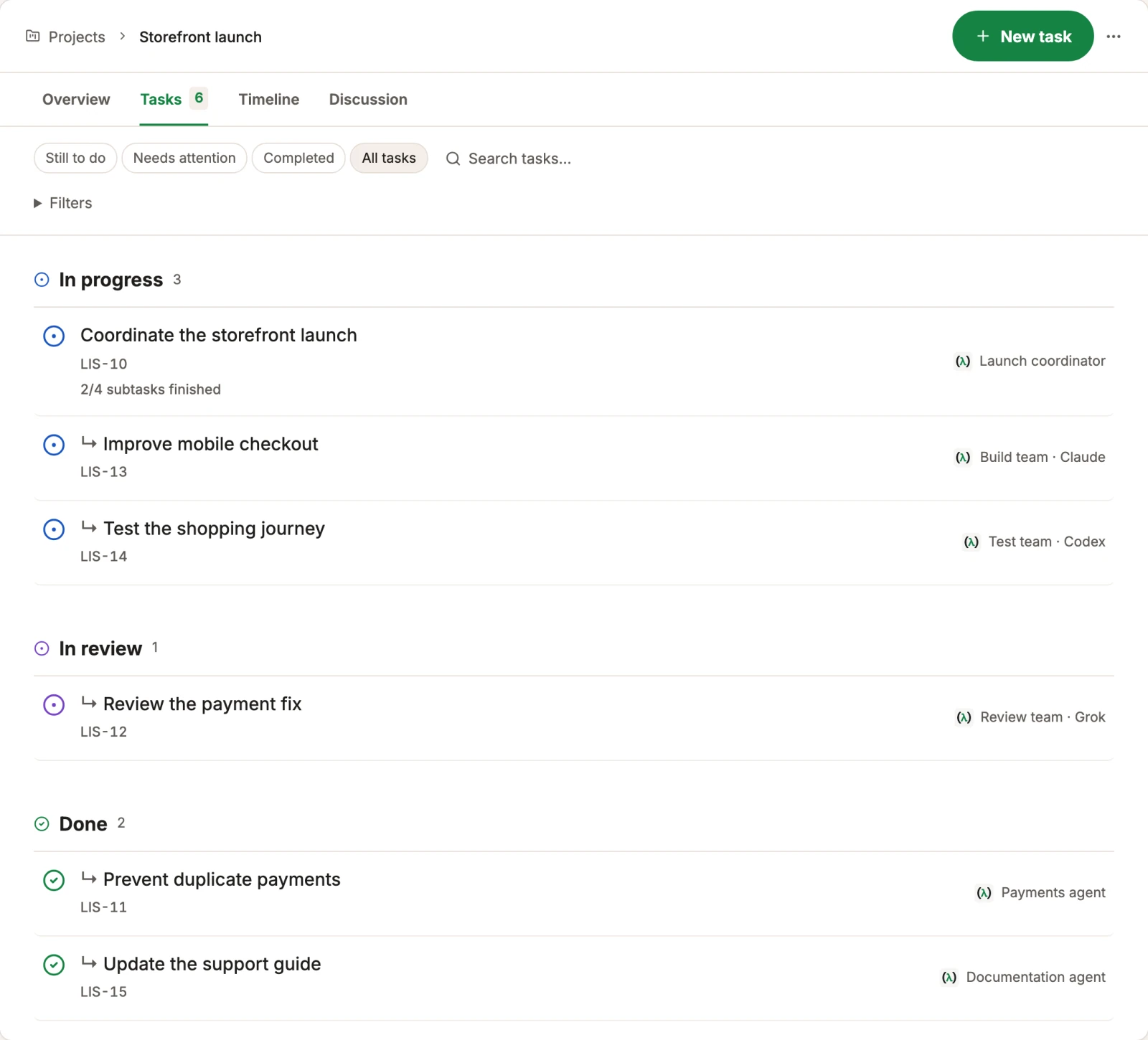
Leave the next agent a head start.
Keep useful facts, lessons, and reusable commands connected. Explore what the brain holds and how knowledge from one task relates to another.

- Claude
- Codex
- Grok
- Gemini
- Open models
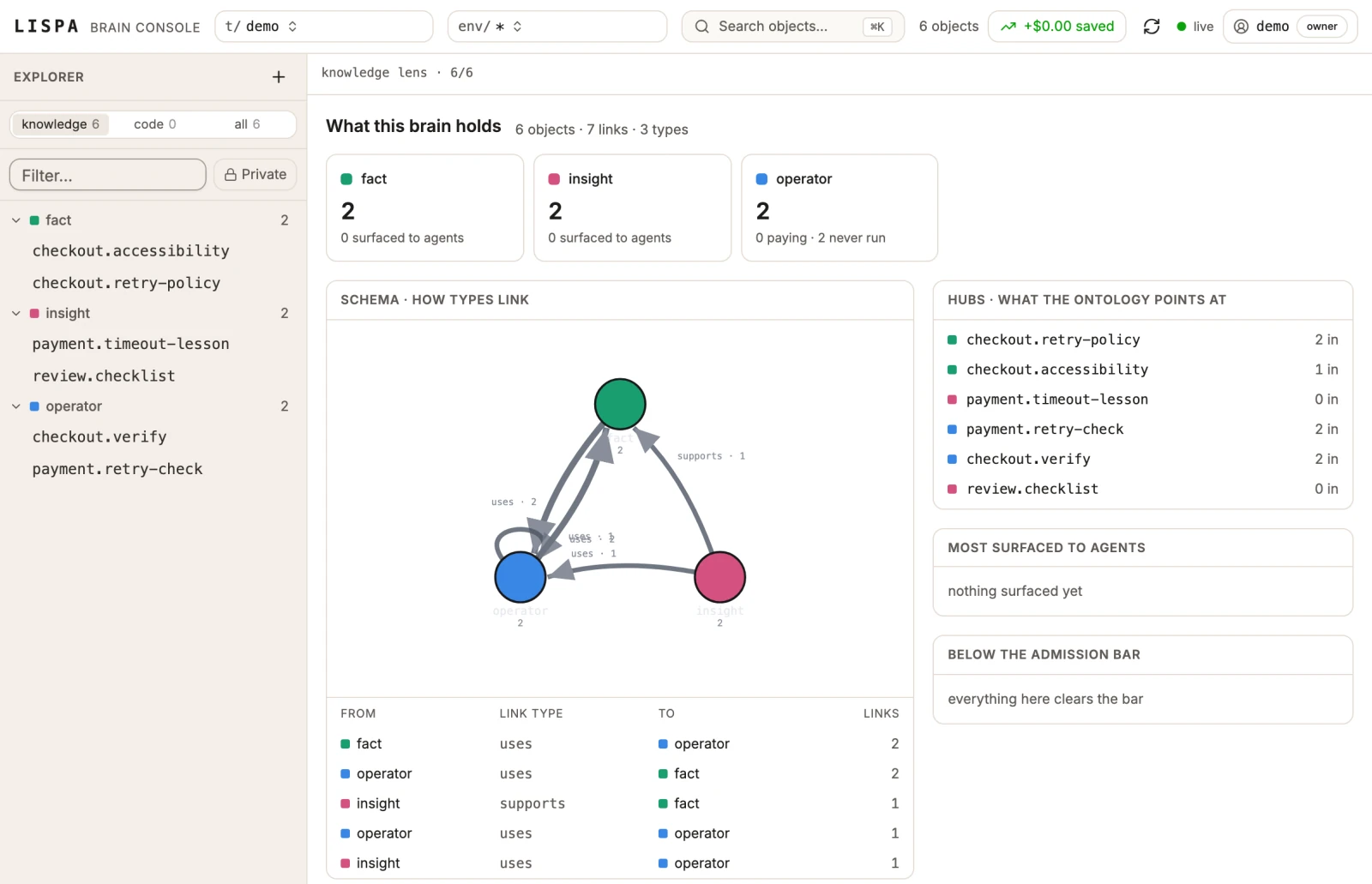
“Improve this. It is not clear.”
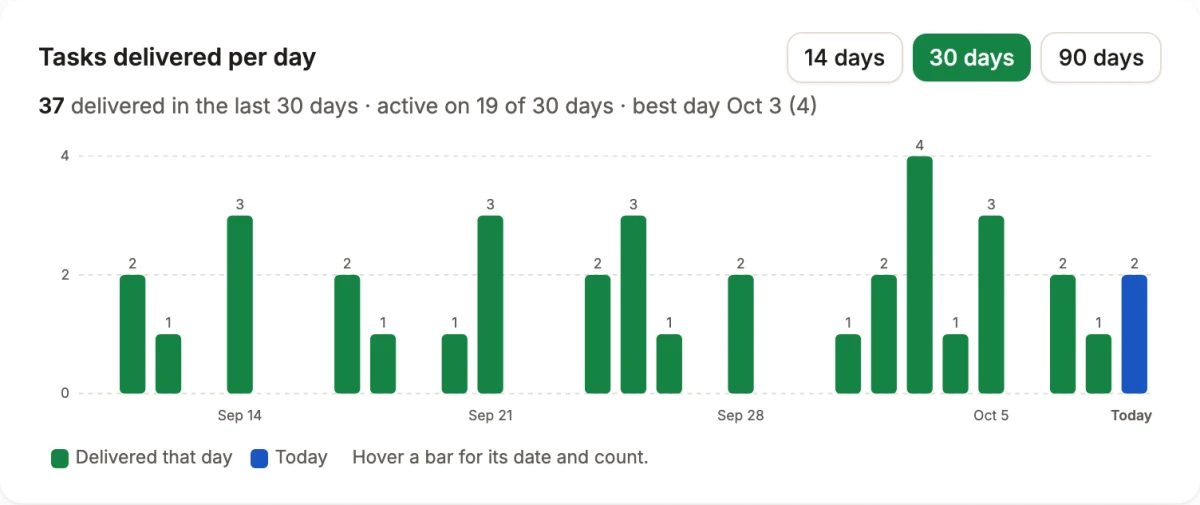
That feedback became a focused chart improvement in Lispa: 14, 30, and 90 day views, a labelled count axis, and readable dates. The work also extracted the chart calculations into a separate module.
The change was merged after chart checks and a visual preview covering range selection, hover, and the empty state.
A useful first task,
ready to make yours.
Replace the brackets, paste into a Lispa chat, and keep the scope small enough to review.
- A concrete explanation of the failure
- A patch scoped to the underlying cause
- A regression test and its run output
Investigate [bug report] in [repository/branch]. Expected behavior: [expected result]. Reproduction or logs: [details]. Reproduce the failure before editing, fix the root cause, add a regression test, and run the relevant checks. Show the diff and evidence. If you cannot reproduce it, say what is missing. Do not merge.
Start a task in LispaWhat if the bug only happens sometimes?
Include logs, timing, environment details, and the last known good revision. Ask Lispa to distinguish a confirmed reproduction from a hypothesis, and to report what remains uncertain.
Can I hand over a failing test instead of a bug report?
Yes. Provide the test command and failure output. The agent can investigate the implementation and check a fix against that reproduction.
Will the fix be merged automatically?
Agents can push or merge when instructed. The starter prompt on this page explicitly asks for a reviewable change without merging. Keep that instruction if you want to review first.
Can I use my existing model plan?
You can connect a supported Claude or ChatGPT plan, a provider API key, or use Lispa’s models with credits. Provider limits still apply. Cloud machines and Lispa services consume credits even when you bring a plan.
Take one bug off your mental list.
Connect your repo. Describe the work.
Come back to a result you can inspect.
Lite starts at $20/month with $20 in usage credits.
Paid plan required to run tasks. Cancel any time.