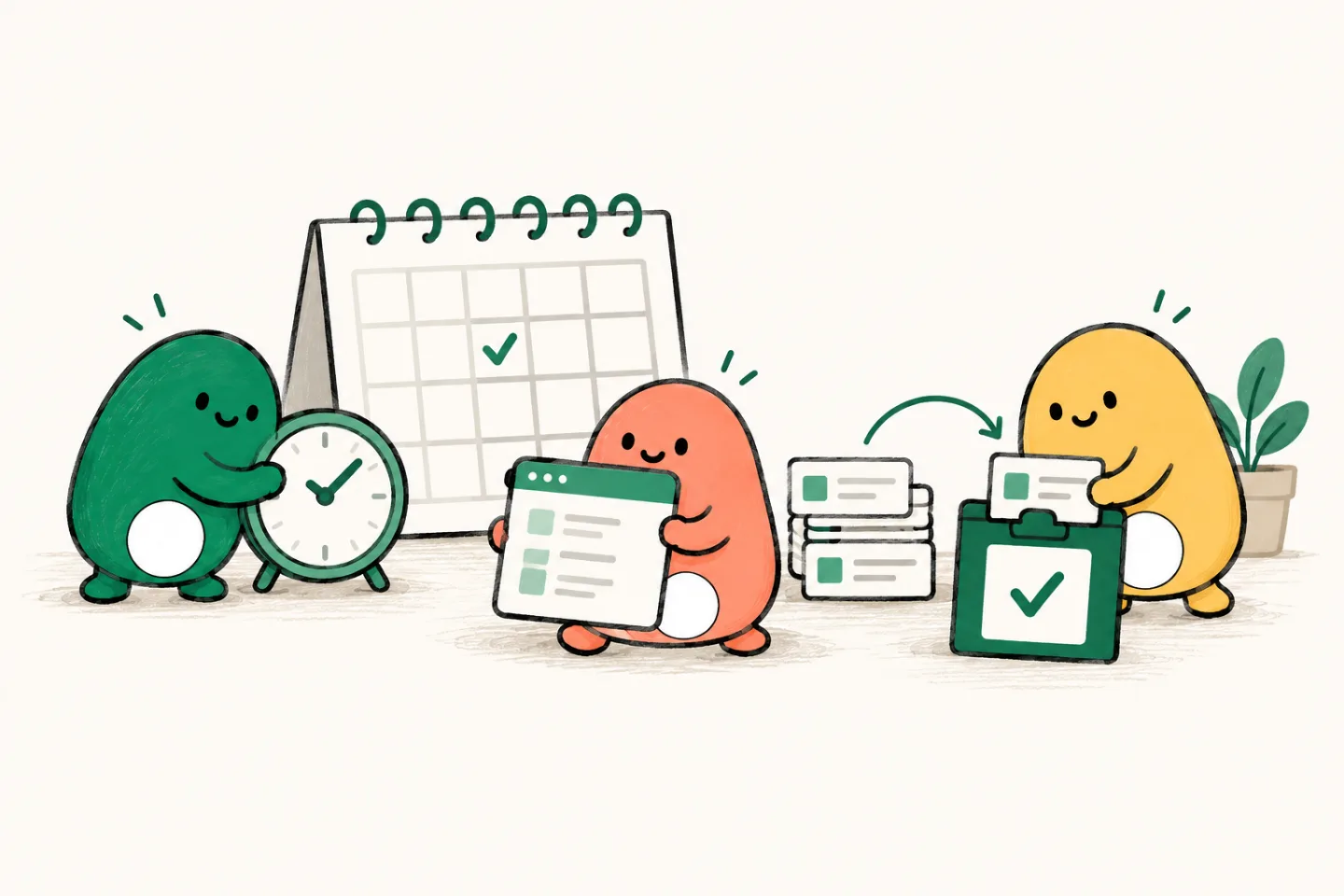
Give repeat work a routine
The same chore, again?
Give it a routine.
New pull requests need a review. Failing checks need an investigation. Documentation needs another pass. Set the trigger and instructions once, then inspect what each run did.
From $20/month, with $20 in usage credits. More signup options
 Claude
- Codex
- Grok
- Gemini
- Open models
Useful work should not depend on remembering it.
A weekly documentation check is easy to skip when the sprint gets busy. An automation gives it a place in the week, a defined scope, and a run you can inspect when you return.
“Every Monday, compare the public API with its documentation. Report mismatches and prepare a small documentation update. Do not change application code or merge.”
- 01Trigger
Weekly schedule for the selected repository.
- 02Instructions
Compare documented examples with the API.
- 03Result
Suggested updates and checks in the run’s chat.
A home for the work that repeats.
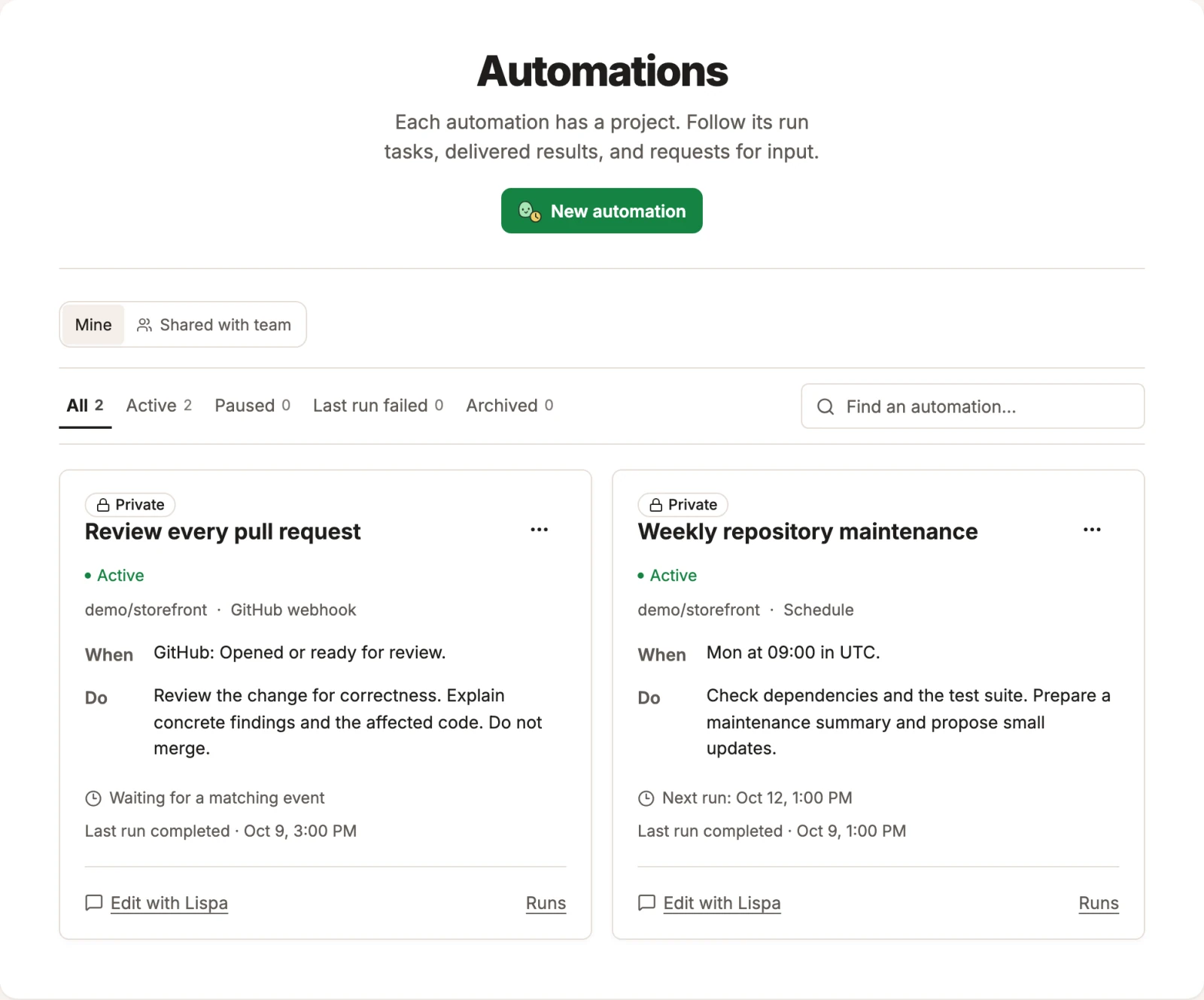
The Automations view keeps each trigger and its instructions together. Follow the runs, refine a task with Lispa, or pause a routine when your priorities change.
Try it with your own task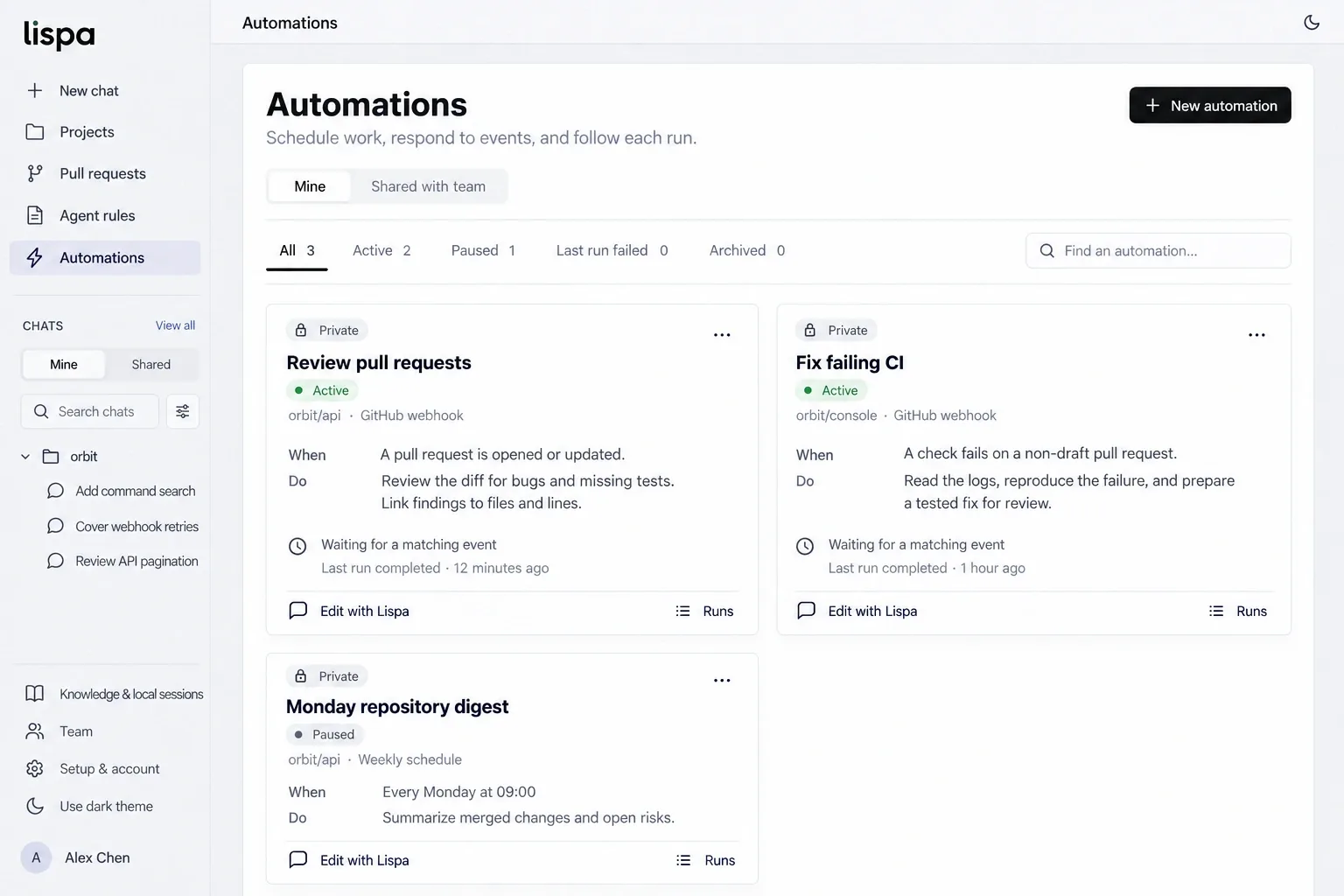
A clear brief.
A result you can check.
- 01
Choose the moment.
Configure a schedule or a supported repository event, such as a pull request or CI result. Select the project it applies to.
- 02
Define a good run.
Write the instructions, scope, permissions, and limits. Test the task on a small example before relying on a recurring run.
- 03
Inspect and adjust.
Each run has a chat you can review. Refine the instructions as you learn, and pause the automation when it is no longer useful.
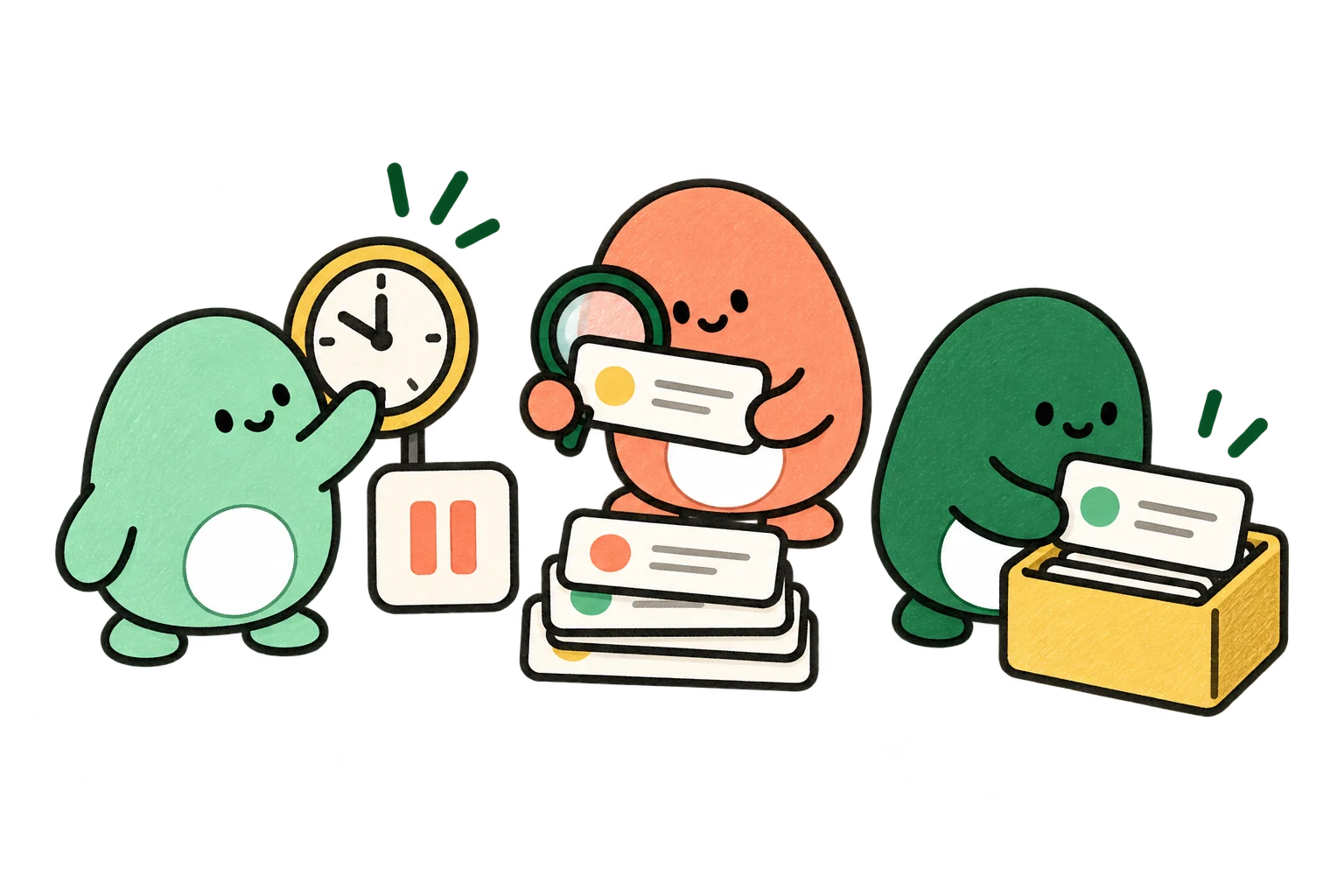
The work has a home.
From the first brief to the next useful lesson. Take a look around the workspace.
Explore the full illustrated walkthroughGive recurring work a routine.
Review a new pull request or run a scheduled maintenance pass. See the instructions, the trigger, and the last run in one place.
- Claude
- Codex
- Grok
- Gemini
- Open models
See where the credits go.
Follow usage over time, session counts, and estimated routing savings. Open the account view to understand the numbers behind the work.
- Claude
- Codex
- Grok
- Gemini
- Open models
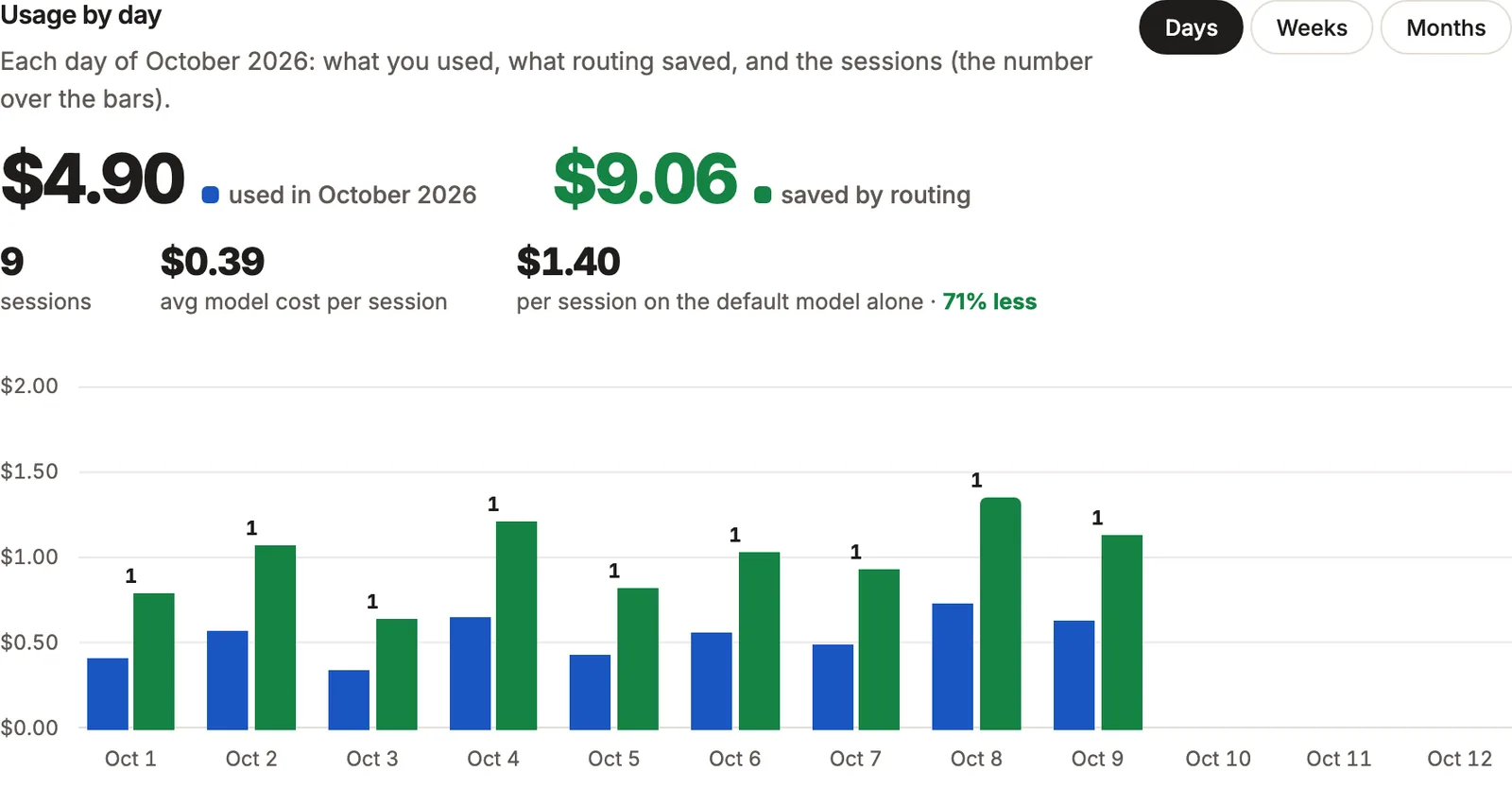
Demo amounts only. Routing savings are API-price estimates, not bills or promised savings.
Review every new or updated pull request.
Our “Review every PR” automation is configured in Lispa to respond to GitHub pull-request events and follow the repository’s review rules. The trigger and instructions stay with the automation; the work stays in its run tasks.
This is an active Lispa workflow. The image is an existing product illustration with fictional example runs.
A useful first task,
ready to make yours.
Replace the brackets, paste into a Lispa chat, and keep the scope small enough to review.
- A task that starts from your configured trigger
- An inspectable chat for each execution
- Instructions you can refine or pause
Help me configure an automation for [repository] triggered by [schedule or supported event]. Each run should [bounded task], verify [checks], and report changes and blockers. Allowed actions: [permissions]. Do not merge or deploy. First run the task once so I can inspect the result, then confirm the trigger and limits before enabling it.
Start a task in LispaWhat can trigger an automation?
Lispa supports scheduled and event-triggered tasks. Choose from the triggers available for your connected repository and configure the instructions for that event.
Can I see what happened in a run?
Yes. Each run has a chat to inspect. Review the work and its output, and adjust the automation’s instructions when the result needs improvement.
Do recurring runs cost extra?
Runs consume your organization’s usage credits for the models, machines, and Lispa services they use. Connected plans have their own limits. Check the pricing details and set an appropriate scope and limits.
Can I use my existing model plan?
You can connect a supported Claude or ChatGPT plan, a provider API key, or use Lispa’s models with credits. Provider limits still apply. Cloud machines and Lispa services consume credits even when you bring a plan.
Give the next recurring chore a home.
Connect your repo. Describe the work.
Come back to a result you can inspect.
Lite starts at $20/month with $20 in usage credits.
Paid plan required to run tasks. Cancel any time.