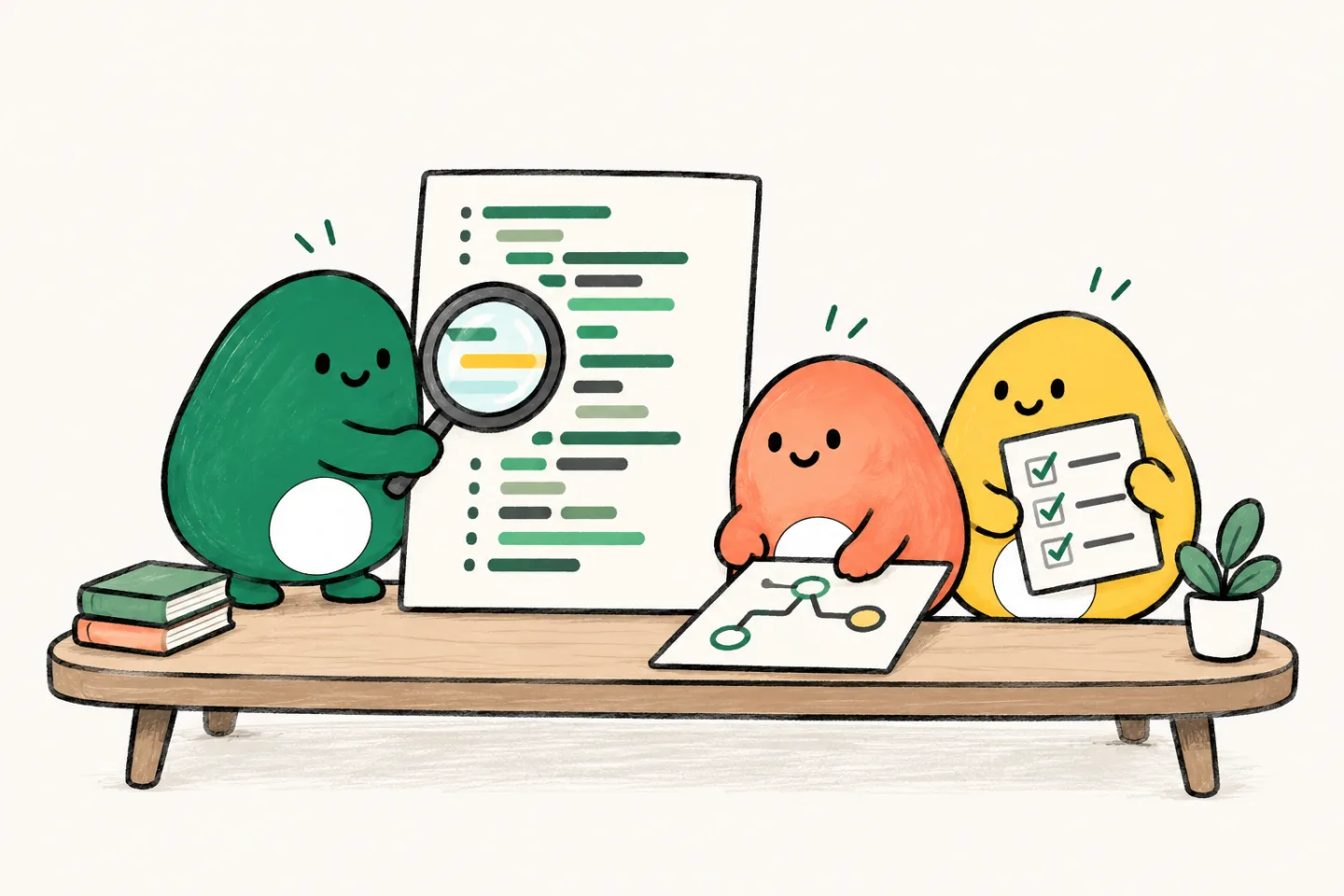
A second look before you ship
Another pair of eyes.
A better-informed merge.
Give Lispa a branch or pull request to inspect. Get findings grounded in the code, with the failure case and missing coverage explained so your team can make the call.
From $20/month, with $20 in usage credits. More signup options
 Claude
- Codex
- Grok
- Gemini
- Open models
A green check is not the whole review.
Tests may pass while an empty filter exposes another account’s results. Ask Lispa to follow the changed behavior through its callers and explain which inputs could go wrong.
“Review the orders export change against main. Check account isolation, filter behavior, and empty results. Report concrete correctness issues. Do not edit or merge.”
- 01Finding
Account scope is missing from the export query.
- 02Impact
An unfiltered export can include other accounts.
- 03Follow-up
Add account scope and a cross-account test.
Keep the final review in your hands.
See the outcome and verification notes in the delivery review. When something needs another pass, request changes and keep the feedback connected to the task.
Try it with your own task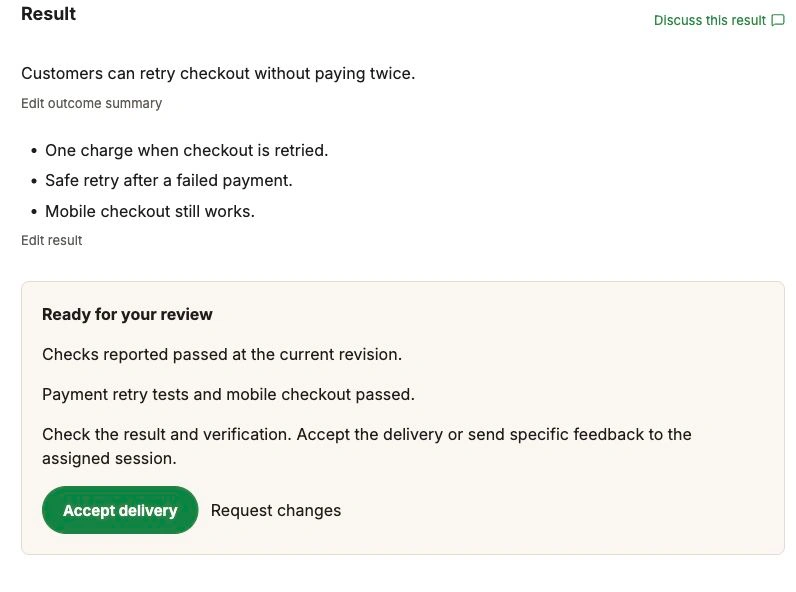
A clear brief.
A result you can check.
- 01
Define the review.
Provide the base and changed branch, plus any high-risk behavior. Ask for a read-only review when you want findings before edits.
- 02
Follow the behavior.
The agent reads the diff and surrounding code, checks assumptions, and can run relevant tests in its workspace.
- 03
Act on specific findings.
Review the evidence, request a fix, or ask the agent to investigate a disputed finding. Your team keeps the final decision.
The work has a home.
From the first brief to the next useful lesson. Take a look around the workspace.
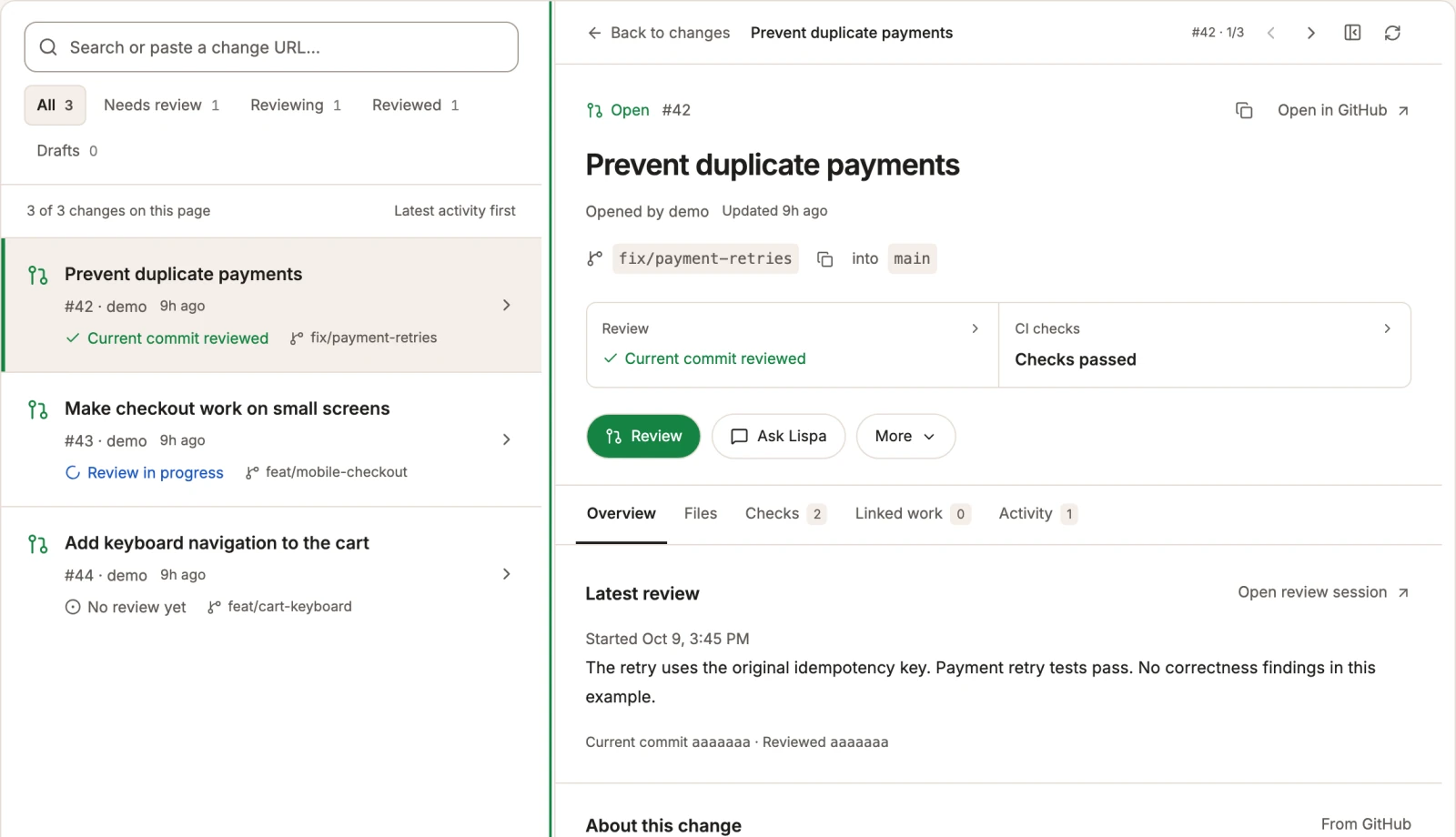
Explore the full illustrated walkthroughBring the evidence to the review.
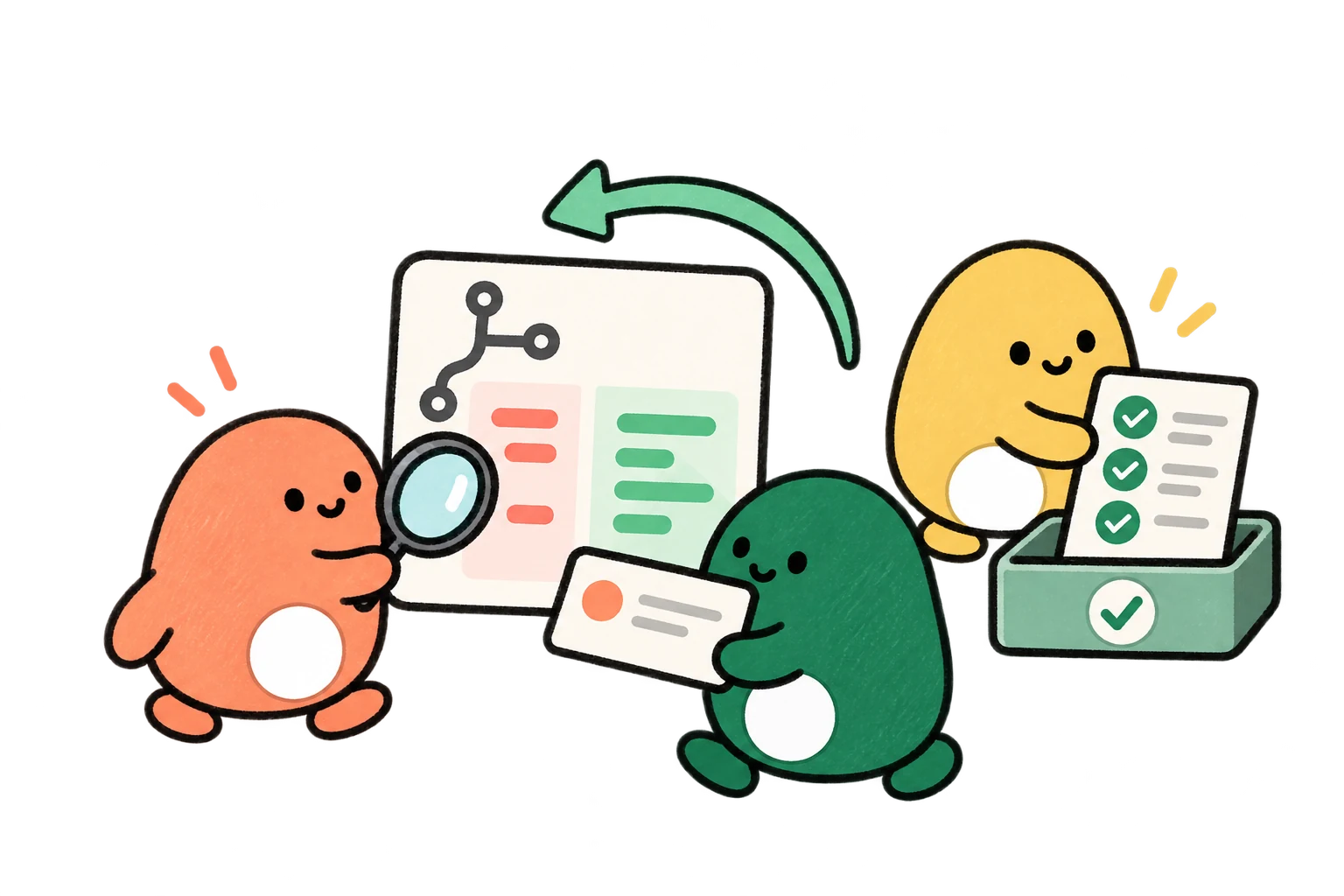
Pull requests, agent reviews, and CI checks share a view. Inspect the current change and its latest review before deciding what should ship.
- Claude
- Codex
- Grok
- Gemini
- Open models
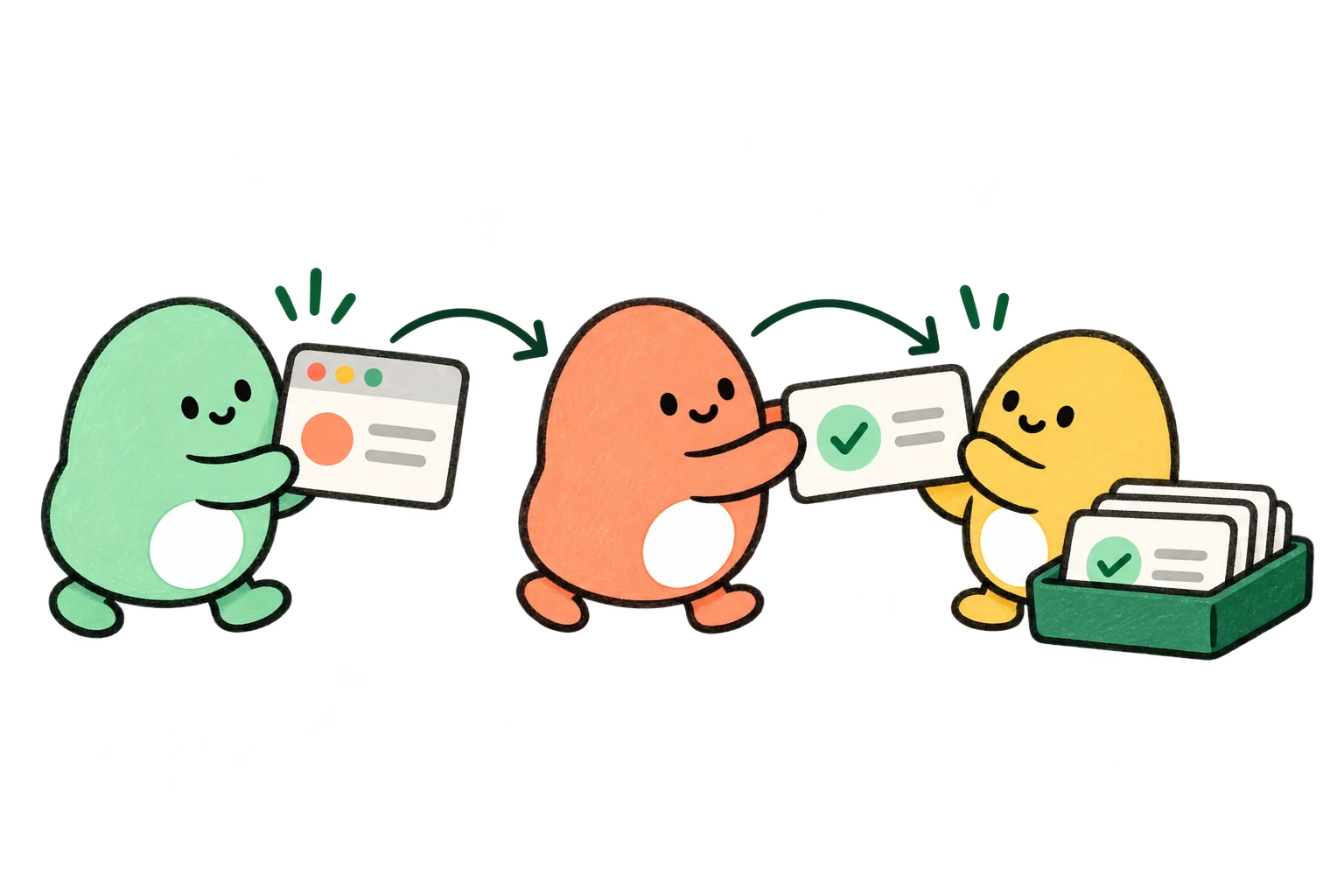
Know what needs your attention.
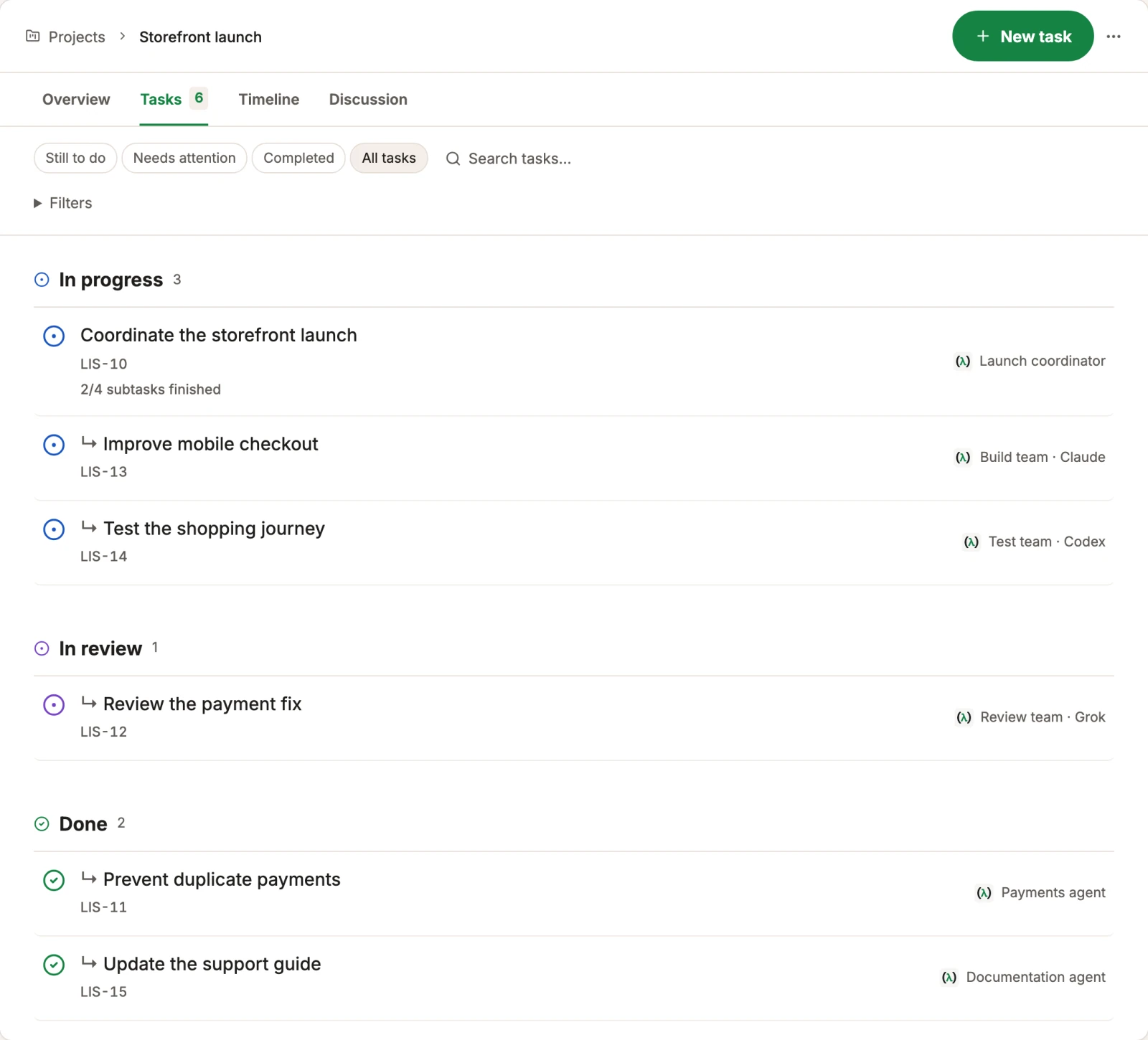
See who is working on each task, which work depends on it, and what is ready for your review. The small pieces stay connected to the goal.
- Claude
- Codex
- Grok
- Gemini
- Open models
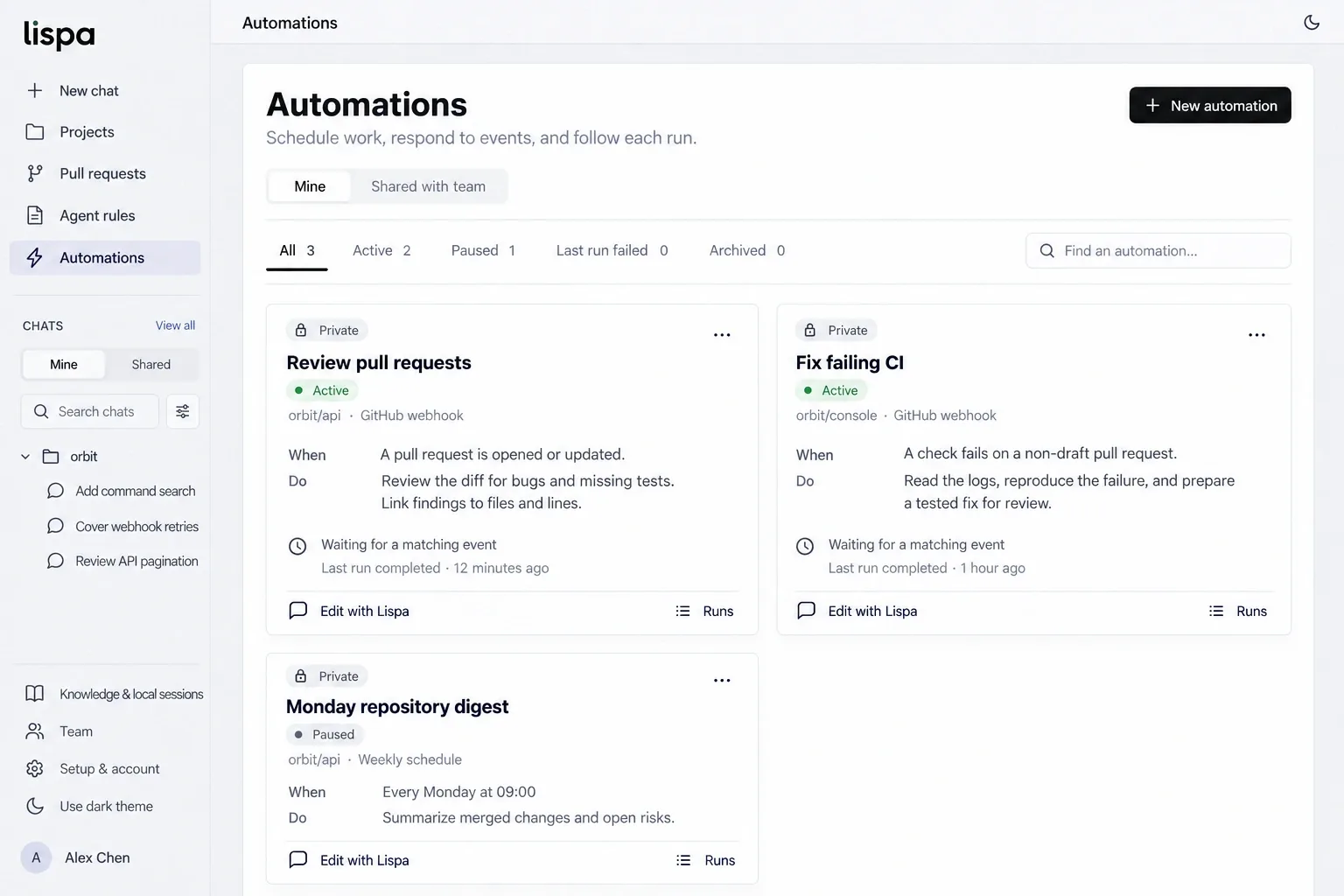
Review every new or updated pull request.
Our “Review every PR” automation is configured in Lispa to respond to GitHub pull-request events and follow the repository’s review rules. The trigger and instructions stay with the automation; the work stays in its run tasks.
This is an active Lispa workflow. The image is an existing product illustration with fictional example runs.
A useful first task,
ready to make yours.
Replace the brackets, paste into a Lispa chat, and keep the scope small enough to review.
- Findings tied to the affected code
- Inputs and conditions that explain the failure
- Suggested fixes, tests, and review limitations
Review [branch or pull request] against [base] for correctness bugs. Read the surrounding code and validate each finding. For each issue, give the file, failure conditions, impact, and a suggested fix or test. Focus on [areas of concern]. Separate confirmed problems from uncertainty. Do not edit, post comments, or merge.
Start a task in LispaCan I ask for review without changing any files?
Yes. State that the task is read-only. The starter prompt also asks the agent not to post comments or merge, so you can inspect its findings first.
Does an AI review replace a human review?
No. Treat it as another source of evidence. It can miss problems or raise incorrect findings; your team should check the conclusions before shipping.
Can a review run when a new pull request arrives?
Lispa supports event-triggered automations. Configure the repository, event, review instructions, and limits, then inspect the resulting run.
Can I use my existing model plan?
You can connect a supported Claude or ChatGPT plan, a provider API key, or use Lispa’s models with credits. Provider limits still apply. Cloud machines and Lispa services consume credits even when you bring a plan.
Give your next change a second look.
Connect your repo. Describe the work.
Come back to a result you can inspect.
Lite starts at $20/month with $20 in usage credits.
Paid plan required to run tasks. Cancel any time.